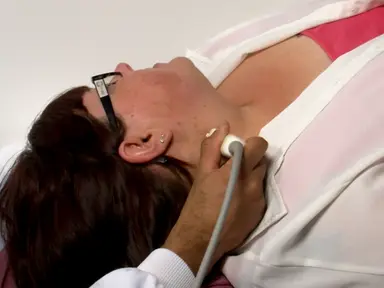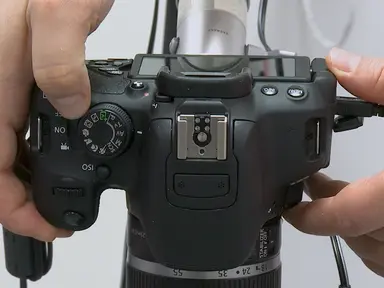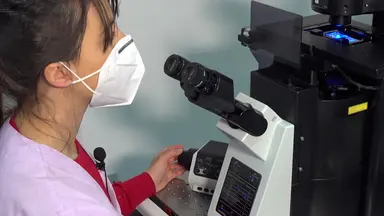
The overall goal of this procedure is to quantify the number of capillaries per square millimeter in the area of skin directly below the nail cuticle. This is accomplished by first taking a monochrome picture of the fingernail bed below the cuticle. The second step is to import the image into a computer imaging program.
Next, the images are manipulated In order to better visualize the capillaries, the final step is to identify and count all of the capillaries within one square millimeter. Ultimately, image manipulation is used to show the quantity and morphology of an individual's capillaries. This method can help answer key questions in the cardiovascular field, such as how hypertension, diabetes, and other diseases can impact the microcirculation.
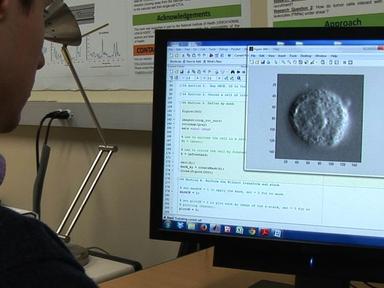
Using a monochrome digital camera, obtain capillary images as previously described. Then take calibration images of a ridicule with millimeter markings using the same camera and magnification imaging conditions that were used to obtain the capillary images. Import the image of the ridicule into the computer imaging program and measure the number of pixels in a one millimeter line on the photograph of the ruler.
Write down this number and calculate the number of pixels that are in a one millimeter by one millimeter region. Next, open one of the capillary images, darken the capillaries and lighten the background by adjusting the image using a best fit histogram. Then use the create ROI command in the dropdown menu to create a one millimeter by one millimeter region of interest at the top of the screen.
Drag and position the region of interest to the location with the clearest capillary loops. Ensure that the region of interest is placed so that the apex of the capillary loops are located at the very top of the region. The key to reproducibility and standardization of this step of the protocol is proper placement of the one millimeter squared region of interest box.
A good rule of thumb to maintain standardization is to place the box at the apex or the tip of the capillary loops of the image. Once correctly positioned, click on the ROI and then click crop from the dropdown menu That appears, then flatten the image so all future image adjustments will be evenly applied to the image. Next, raise the contrast of the image to 75 so that the capillaries are maximally visualized.
Also de speckle the image to smooth the edges of the capillaries. Finalize the image contrast by adjusting the histogram to the best fit model so that capillaries are black and the background is white. On each image, manually select one part of a well-defined capillary using the target object feature to be recognized as objects to be counted by the program.
Then select a small part of the background using the background feature as a reference to areas that need to be disregarded by the counting algorithm. Set the minimum diameter of counted objects to five pixels in order to avoid counting background noise as capillaries. Then use the count function to instantly count all capillaries in the image for each individual.
Count the average from three to four images in order to obtain a more reliable assessment. To save time, create a macro to automatically perform a specific sequence of processes on one or more images by first selecting record macro into naming the macro based on the steps and processes performed and described in this video. Then perform the image manipulation steps while the macro is recording.
When using the macro on future pictures, simply click run macro and the program will automatically apply the recorded enhancements to the images desired. The only step that requires user input is choosing where to crop the image. An optimally processed image can be counted within 30 seconds and clearly distinguishes capillaries from background as well as individual capillaries from each other.
The final enhanced image is shown here. The total count determined for this image was 54 capillaries per square millimeter Once mastered. This technique can be used to quantify and manipulate 12 images within 20 minutes.